The Upload You Never Think About
Quick question: when was the last time you read the privacy policy of a PDF tool?
Yeah, me neither.
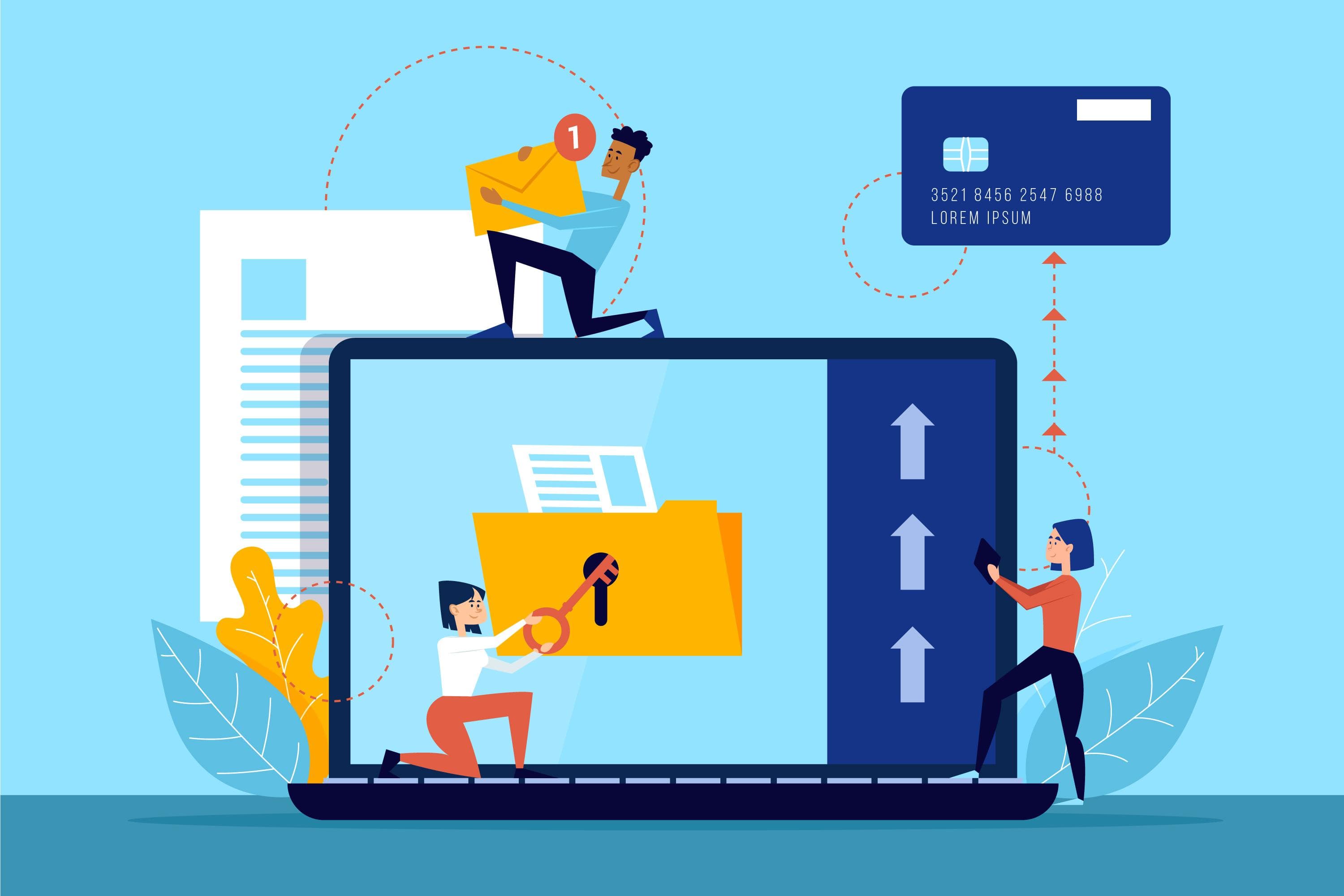
Here is the thing though – every time you use one of those "free online" PDF editors, you are uploading your documents to their servers. Every time. That contract you are editing? Now it lives on a server somewhere. That personal form with your address and ID number? Same deal.
Most people do not think twice about it. It is free, it works, move on. But maybe we should think about it a bit more.
What Actually Happens to Your Files
When you upload to a typical PDF service, here is what happens:
- Your file travels over the internet to their servers
- It gets stored (at least temporarily)
- The processing happens on their machines
- The result gets sent back to you
- Your original file... well, who knows?
Some services delete files after an hour. Some keep them for 24 hours. Some are vague about it. A few probably do not delete them at all – your documents are useful training data for machine learning, after all.
And that is assuming nothing goes wrong. Servers get hacked. Companies get acquired. Employees sometimes snoop. It happens.
Who Should Actually Care About This
Honestly? Probably everyone. But especially:
Anyone handling client data – Lawyers, accountants, healthcare workers. You might actually be violating regulations by uploading client documents to third-party servers.
Business owners – Contracts, financial projections, employee information. Your competitors would love to see some of this stuff.
Regular people – Tax returns, ID documents, medical records. Identity theft is real and this is exactly the kind of data that fuels it.
The Alternative: Just... Do It Locally
Here is a thought: what if the processing happened on your computer instead of some random server?
Modern browsers are surprisingly powerful. With the right technology (WebAssembly, if you are curious), we can run complex PDF operations right in your browser tab.
No upload. No server. No waiting. No trust required.
This is how FreeDF works. When you compress a PDF or merge files or add a password, everything happens on your device. We literally cannot see your files because they never leave your computer.
"But How Do I Know You Are Not Lying?"
Fair question. Here is how you can verify what any web tool is actually doing:
- Open your browser's Developer Tools (F12 on most browsers)
- Go to the Network tab
- Use the tool
- Watch what gets sent
With server-based tools, you will see your file being uploaded. With client-side tools like ours, you will see... nothing going out. The page loads once, then everything happens locally.
Try it. It is kind of reassuring.
Speed Is a Nice Bonus
Here is something people do not expect: local processing is usually faster.
Think about it. No upload time. No waiting for a server. No download time. You skip all the network stuff entirely.
For a 50MB PDF, that could mean saving minutes of waiting. Your computer's processor handles it in seconds.
The Bottom Line
"Free" online tools often have a hidden cost – your privacy. You are trading convenience for control over your own documents.
Client-side tools give you both. Same convenience, but your files stay yours.
Next time you need to edit a PDF, think about where that file is actually going. It might matter more than you think.